Thursday, 18 October 2012

Monday, 15 October 2012
6. Image Annotation

Here are some of the clothes and objects I will use/ need in my music video. I have chose these clothes because based on my research this is what the artist in this type of genre wear. I thought I would stick to this convention as the rest of the music videos I have viewed are all successful so this may help mine be successful.
Wednesday, 10 October 2012
4. Song Details
Ed Sheeran "Little Bird"
I chosen the song "Little Bird" because it matches the genre that I have chosen which is folk rock. It doesn't already have a music video. I feel that it has a strong message/ meaning which will make it a perfect song to create a good professional music video to. It will allow me to get the message across to the audience with the video as well as with the song.
Tuesday, 9 October 2012
5. Lyrics Annotations


The video below shows some possible ideas for the music videos, it shows some of the ideas for location, costume, shots and what the lyrics mean to the audience.
Thursday, 4 October 2012
Peer Research Assessment

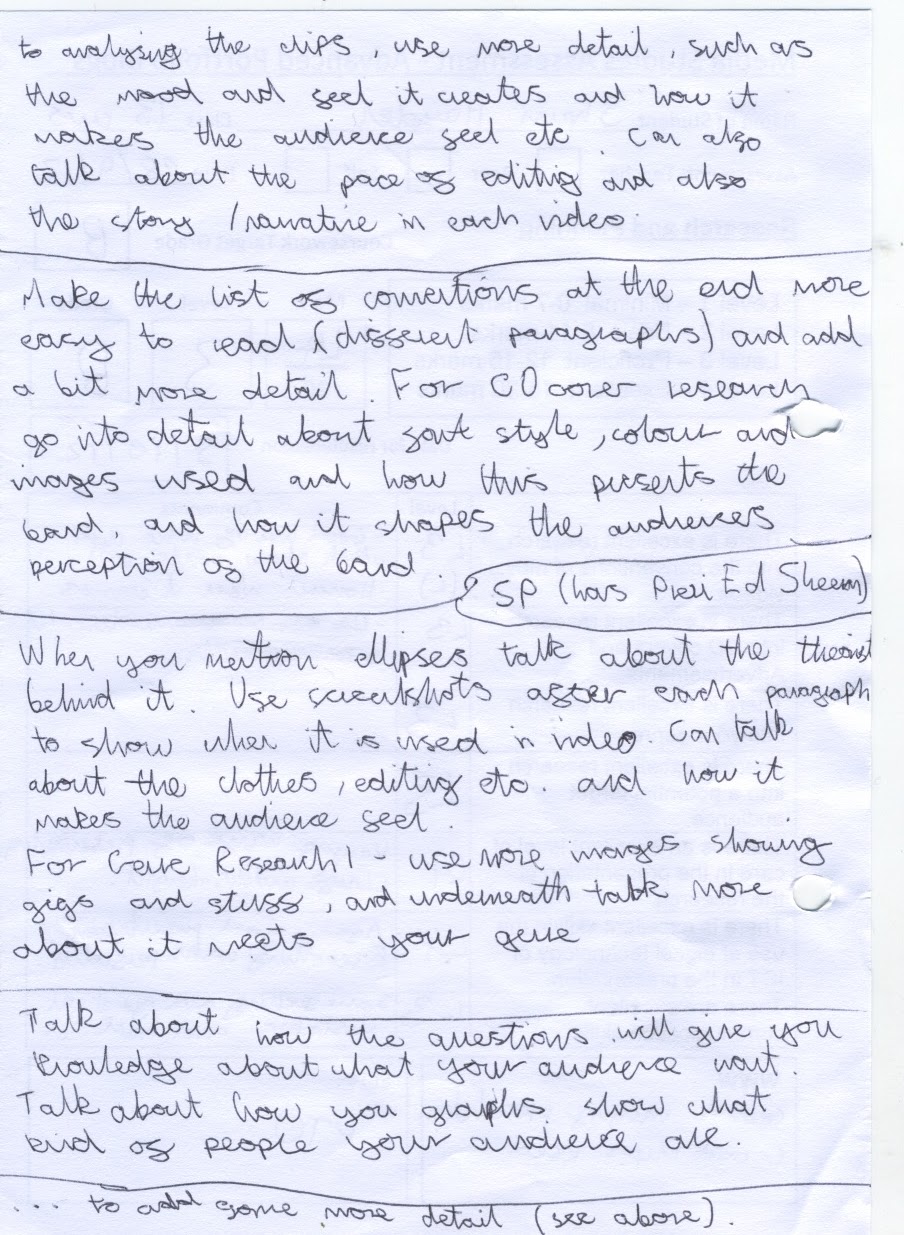
This is my Peer feed back for my research. I got a B, and my target is an A therefore I need to start to go into more detail linking it to other parts of my research like using the theories in other posts.
Tuesday, 2 October 2012
3. Technical Tutorials
Green Screen:
Below is a short music video that we created to help us get use to the green screening. It has helped us in many areas and opens the door for us to use the green screen in our final music video. We had to set up and take apart the green screen as well as the lights that are used to go with it. Then we edited the video using final cut and using this we manged to remove the green and place in a picture of our choice. Although the video isn't the best quality it has still allowed us to practice with the screen.
Creating this music video has given me many new skills such as:
Using the green screen effectively both on camera and editing.
Setting up the lighting to go with the green screen.
Setting up and taking down the green screen appropriately.
How to use final cut to edit with the green screen using chroma keyer which is an effect in final cut.
It has also shown me how to add in an image to the video so it look professional.
Photoshop:
Here is a video showing some techniques that I have learn't on Photoshop.
In the video I am taking a picture and making the lady in the green the main focus. To do this I use motion blur on the whole picture which makes everything blurry. I then use a mask which allows me to draw around one object/ person so that they are not effected by the motion blur. Then I play with the Hue and Saturation of the image to help give it some better colour and make it seem that the women is more important then the rest of the people around her.
These skills help me and my group create a practice CD cover for our chosen genre. Below is the CD cover we made using Photoshop.

The key features of our CD cover are:
Below is a short music video that we created to help us get use to the green screening. It has helped us in many areas and opens the door for us to use the green screen in our final music video. We had to set up and take apart the green screen as well as the lights that are used to go with it. Then we edited the video using final cut and using this we manged to remove the green and place in a picture of our choice. Although the video isn't the best quality it has still allowed us to practice with the screen.
Creating this music video has given me many new skills such as:
Using the green screen effectively both on camera and editing.
Setting up the lighting to go with the green screen.
Setting up and taking down the green screen appropriately.
How to use final cut to edit with the green screen using chroma keyer which is an effect in final cut.
It has also shown me how to add in an image to the video so it look professional.
Photoshop:
Here is a video showing some techniques that I have learn't on Photoshop.
In the video I am taking a picture and making the lady in the green the main focus. To do this I use motion blur on the whole picture which makes everything blurry. I then use a mask which allows me to draw around one object/ person so that they are not effected by the motion blur. Then I play with the Hue and Saturation of the image to help give it some better colour and make it seem that the women is more important then the rest of the people around her.
These skills help me and my group create a practice CD cover for our chosen genre. Below is the CD cover we made using Photoshop.

The key features of our CD cover are:
- We used and research into record labels to find a suitable label which produces the genre of music that we have chosen. Our research indicated that Sony Music Entertainment was a successful record label for our genre. The image of the record label had a white background but we removed this using the magic wand tool.
- We took pictures of the artist of the album, as it was a practice the clothes he is wearing isn't quite what we will use but they were close to the costume for the genre we want. Using Photoshop we took out the background so that it is just the artist standing there.
- The backgrounds used are pictures of instruments from the genre that we have chosen, on the right side (front) we see a guitar and on the left (back) we see a drum kit. These are both instruments that our audience said they would expect to see in our music video. We had to shape the images to the right shape using Photoshop's free transform tool.
- The font of the text used matches the type used on other albums that we found during our research. We used Da Font to help find this font, we then made it stand out to the audience so that it is clear and easy to read. Photoshop allows us to put the font straight in and use it.
- A list of songs on the album is also seen on the back of the album as this is a convention of albums, we used the same font and colour for the list of songs and for the title as we wanted to make the cover seem professional and our research showed us that fonts are kept the same on ever CD cover.
- We then added in other small items such as the barcode, writing on the spine and the record label logo on the spine. These small things are conventions of CD covers, and without them the finished piece wouldn't seem professional.
1. Initial Ideas
Here is a mind map that me and my group created, it shows different conventions that we first thought about when thinking about what to do for our music video.

First we wanted to think about the genre of which we would focus so we made a list of lots of different genres that we knew. We then took a vote on what everyone wanted to do. We narrowed it down to Indie, Rock and Folk Pop. This then allowed us to start to think of artists who we could use to find the easiest genre for our group. After we had thought of the different artists we decided to go with Folk Pop. The artists we chose for this genre were Mumford and Sons, Ed Sheeran and Jame Blunt.
We then thought about watching some of their music videos to get an idea for the types of locations and costumes that we would need to put in our music video. Chinos, hoodies and trainers came up a lot in the music videos which made us think that these are a main convention of the genre. The types of location that appeared were the countryside, empty streets and near the coast. This have given us ideas to what we can do.
We then notice that in each music video the artists had instruments, we thought that this would be a good idea as it would make our video seem more professional. After that we start to talk about different songs that we could do, the songs we came up with were; James Blunt- Beautiful, Ed Sheeran- Little Bird, Ed Sheeran- Drunk, Mumford and Sons- Little Lion Man.
Subscribe to:
Posts (Atom)